

WEBSITES · BUSINESS APPS · POS
Your business.
Your workflow.
Your app.
Websites & Apps for businesses that want to work smarter.
Explore 12 app solutions ↓BUILT AROUND YOUR BUSINESS
12 app solutions. One place to start.
Explore application types and features we can scope for your business. Each solution is configured or developed around the agreed requirements. Images show realistic app concepts; final screens are tailored to the agreed project.
BUSINESS APPLICATION
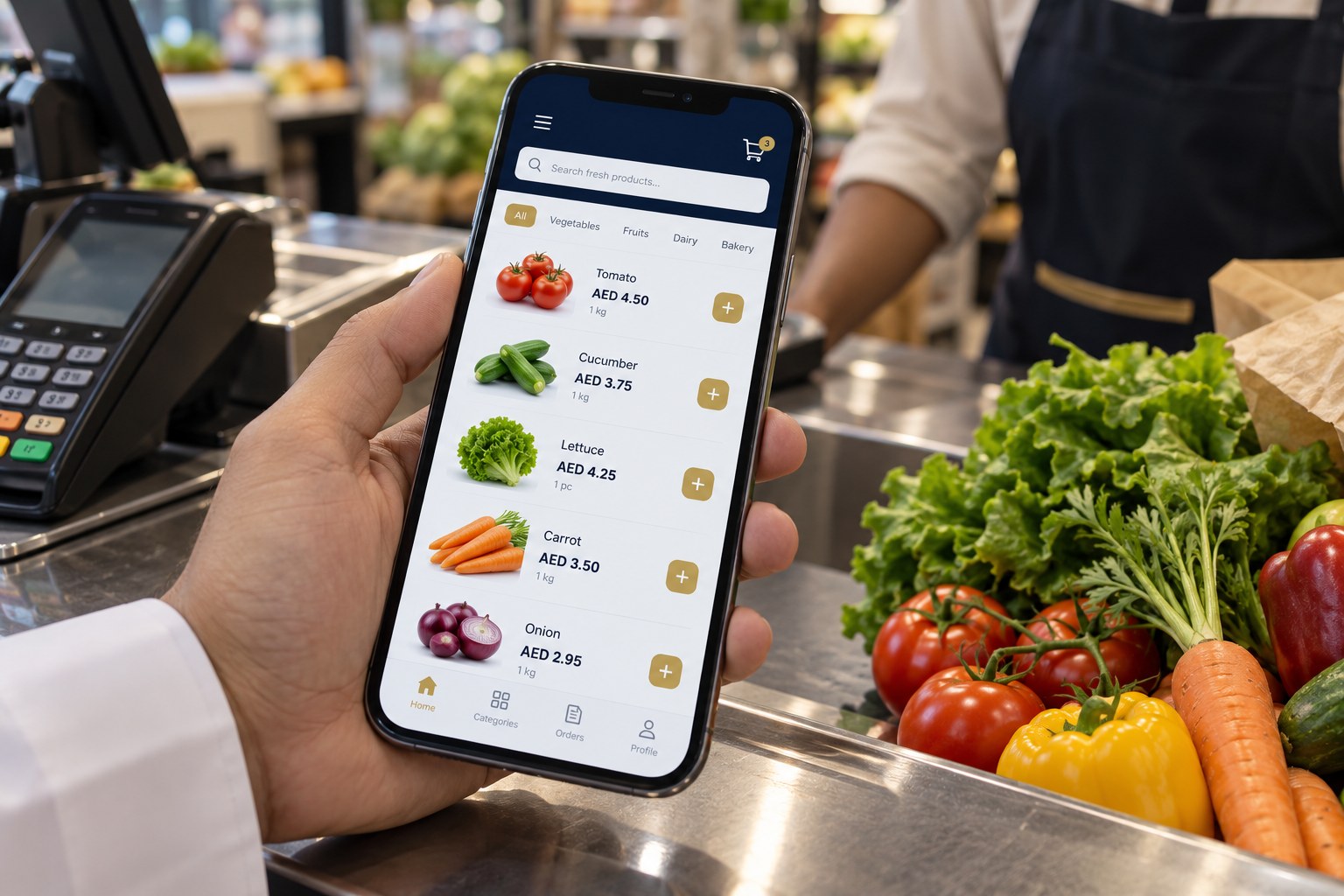
Grocery & Supermarket App
A practical checkout and stock workspace for groceries, mini-marts and supermarkets.
- Barcode search and product categories
- Sales by piece, kilogram or litre; custom weight entry
- Purchase entries, supplier records and low-stock alerts
- Discounts, returns, receipt printing and daily sales reports
BUSINESS APPLICATION
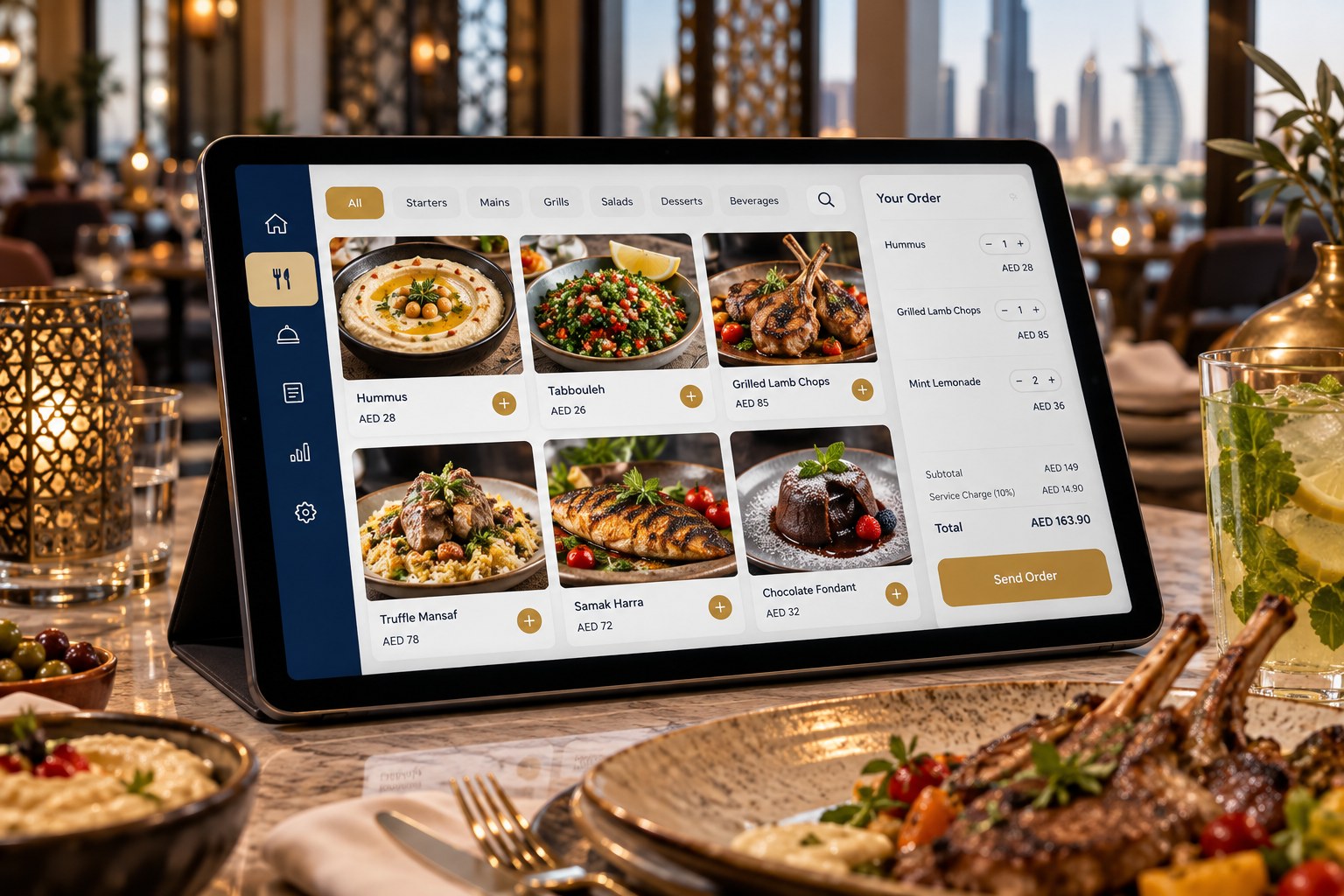
Restaurant Management App
Coordinate the dining room, kitchen and cashier from one agreed workflow.
- Table layout, dine-in, takeaway and delivery orders
- Menu modifiers, add-ons and item availability
- Kitchen order tickets or kitchen display planning
- Split bills, discounts, shift closing and sales summaries
BUSINESS APPLICATION
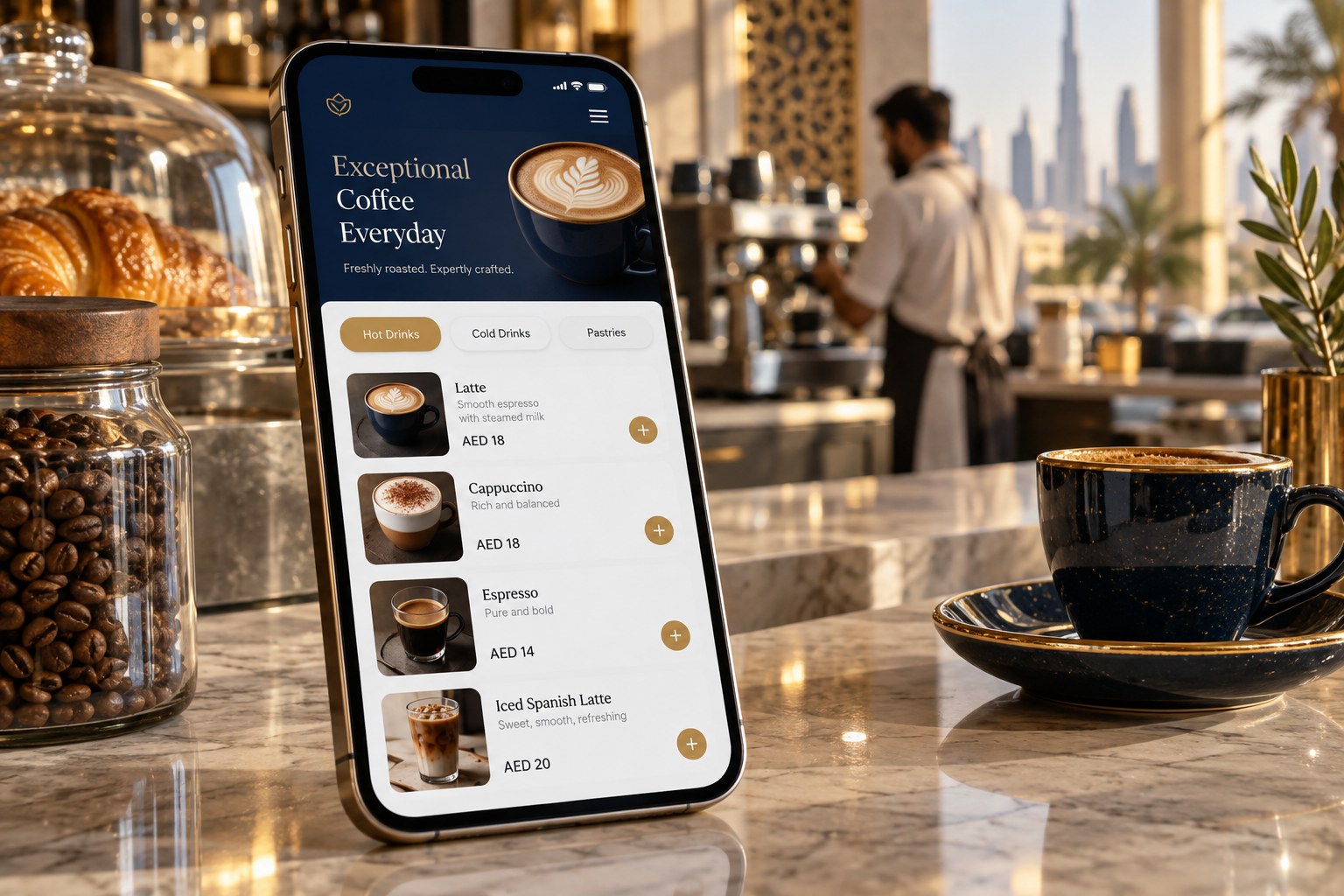
Cafeteria & Café App
A compact order and billing system for cafés, tea shops and quick-service counters.
- Quick menu buttons, sizes and combo meals
- Order queue and pickup token tracking
- Cashier shifts and daily closing reports
- Ingredient or item stock tracking and repeat-customer records
BUSINESS APPLICATION
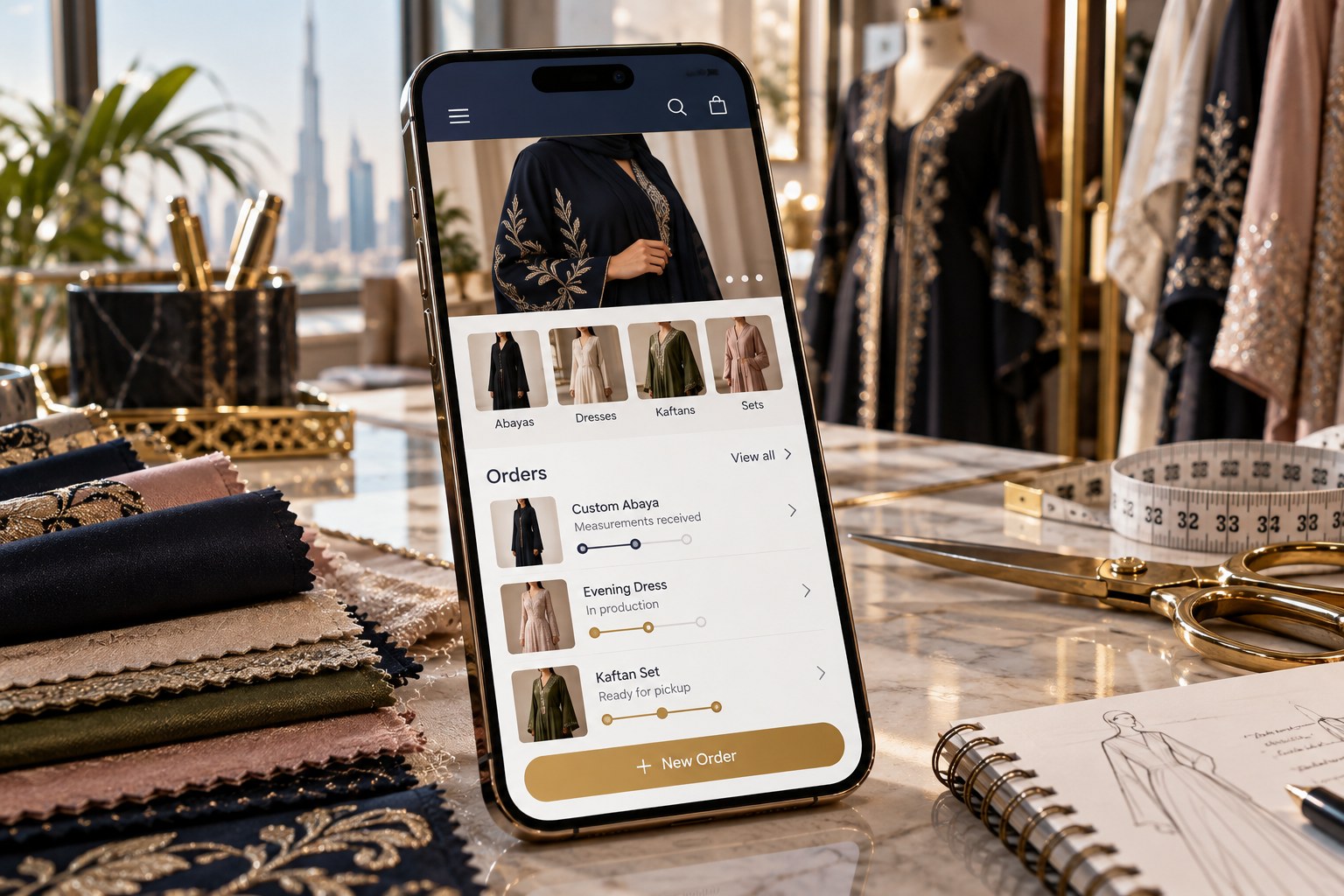
Fashion & Tailoring App
Organise fashion collections, customer measurements and made-to-order work.
- Style catalogue with design images, colours and sizes
- Customer measurements and alteration notes
- Fabric stock, deposits and outstanding balances
- Order stages, fittings and promised delivery dates
BUSINESS APPLICATION
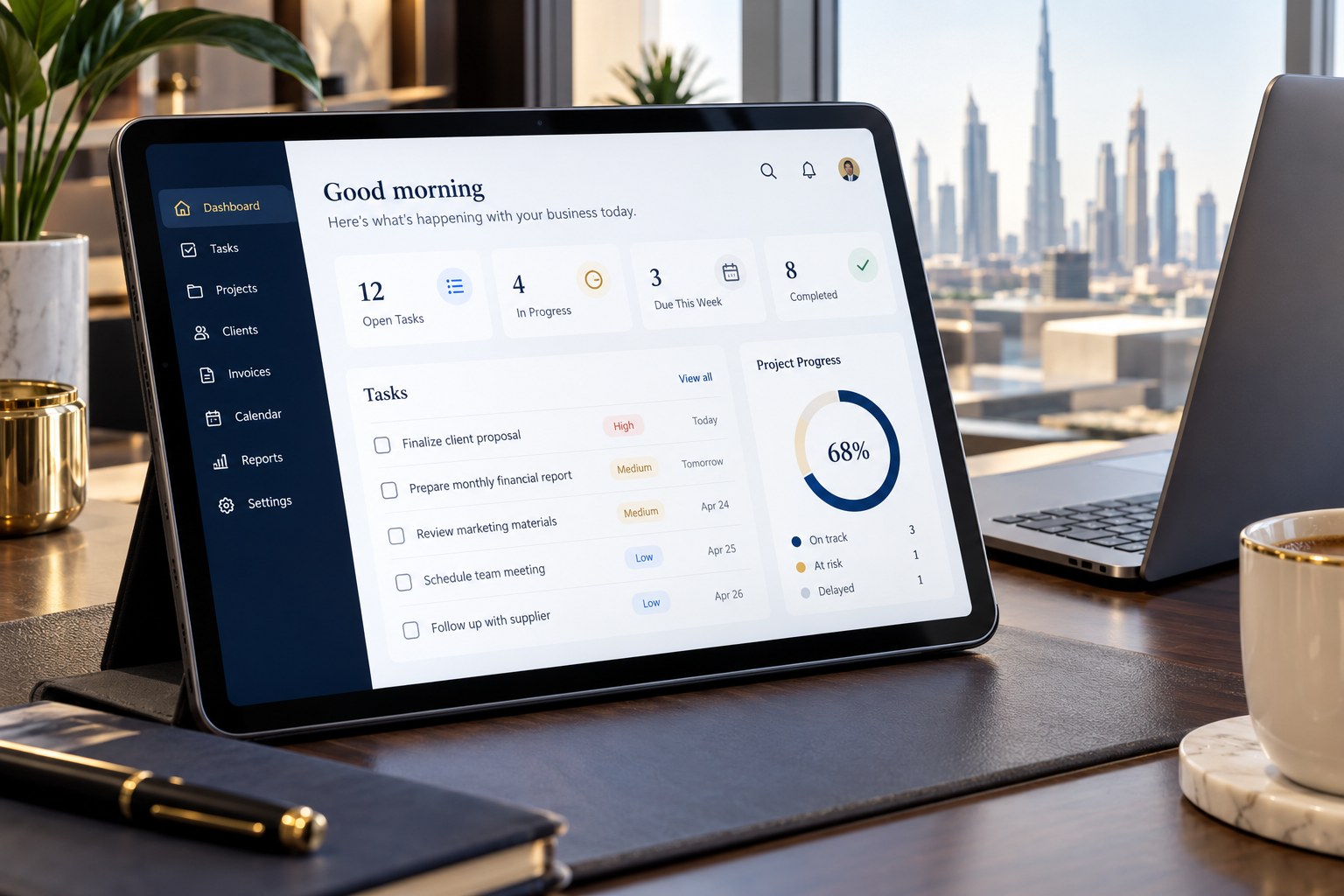
Office & Administration App
Bring everyday office work, service cases and internal approvals together.
- Tasks, service requests and staff assignments
- Client files, document checklists and expiry tracking
- Approval workflows and internal activity records
- Staff access roles and management dashboards
BUSINESS APPLICATION
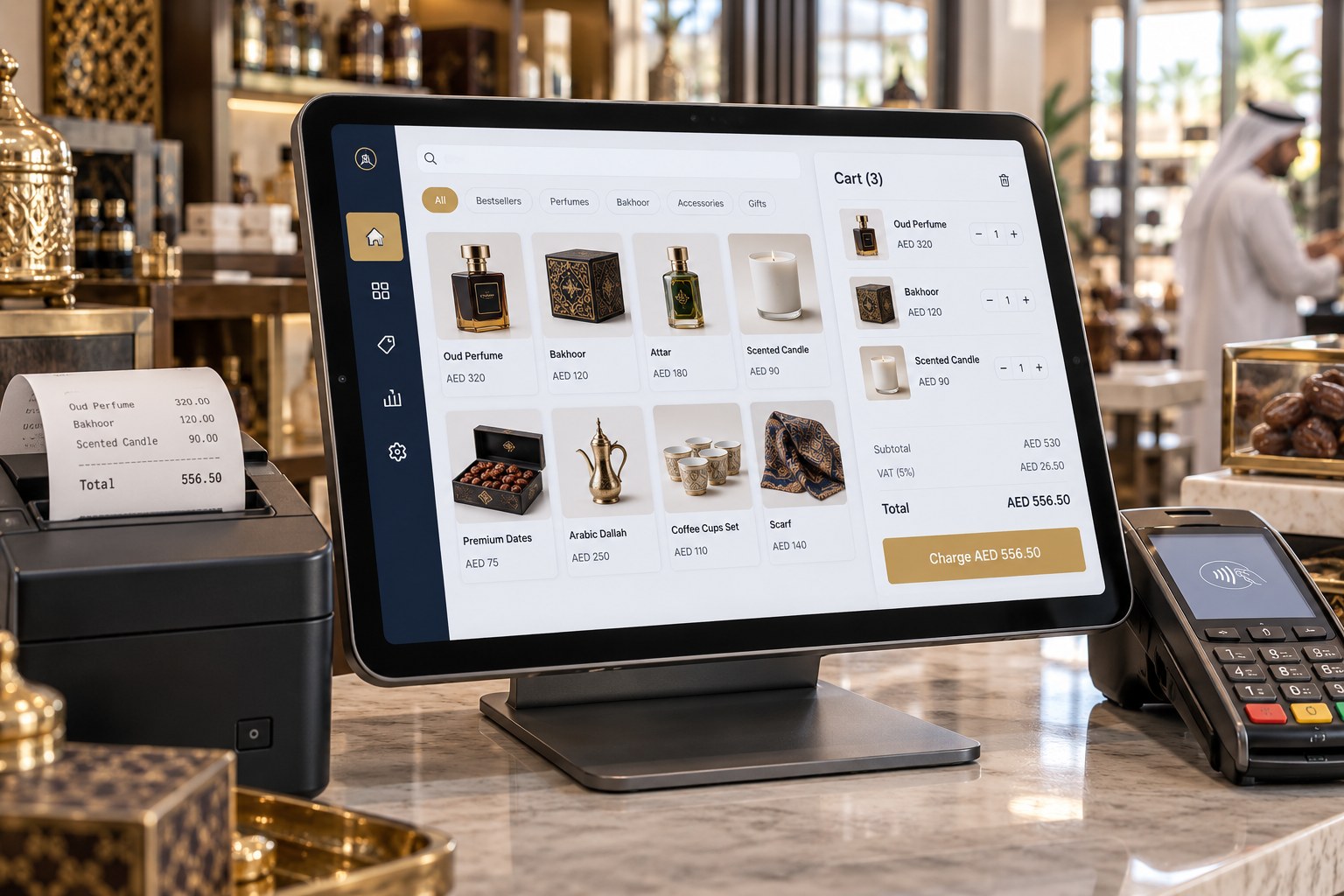
Retail POS System App
A billing application for retail counters, kiosks and specialist stores.
- Product search, barcode entry and custom sale items
- Cash and card payment recording with receipt printing
- Refund permissions, discounts and cashier closing
- Weight-based pricing and printer compatibility assessment
BUSINESS APPLICATION
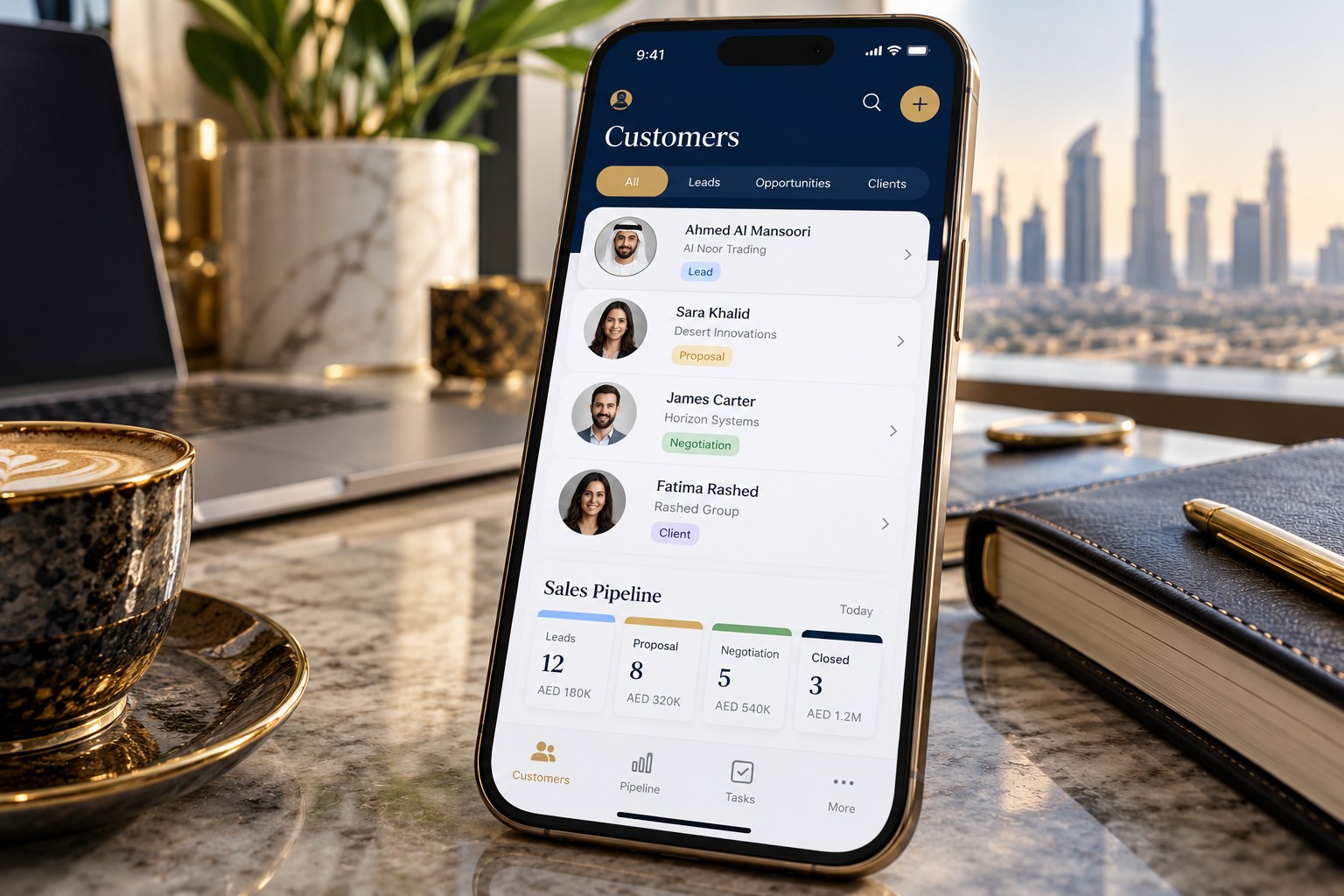
CRM & Customer Management
Keep customer relationships organised from the first enquiry to repeat business.
- Customer profiles, contacts and communication notes
- Sales pipeline, quotations and follow-up tasks
- Assigned relationship executives and case history
- Customer segmentation, access permissions and exports
BUSINESS APPLICATION
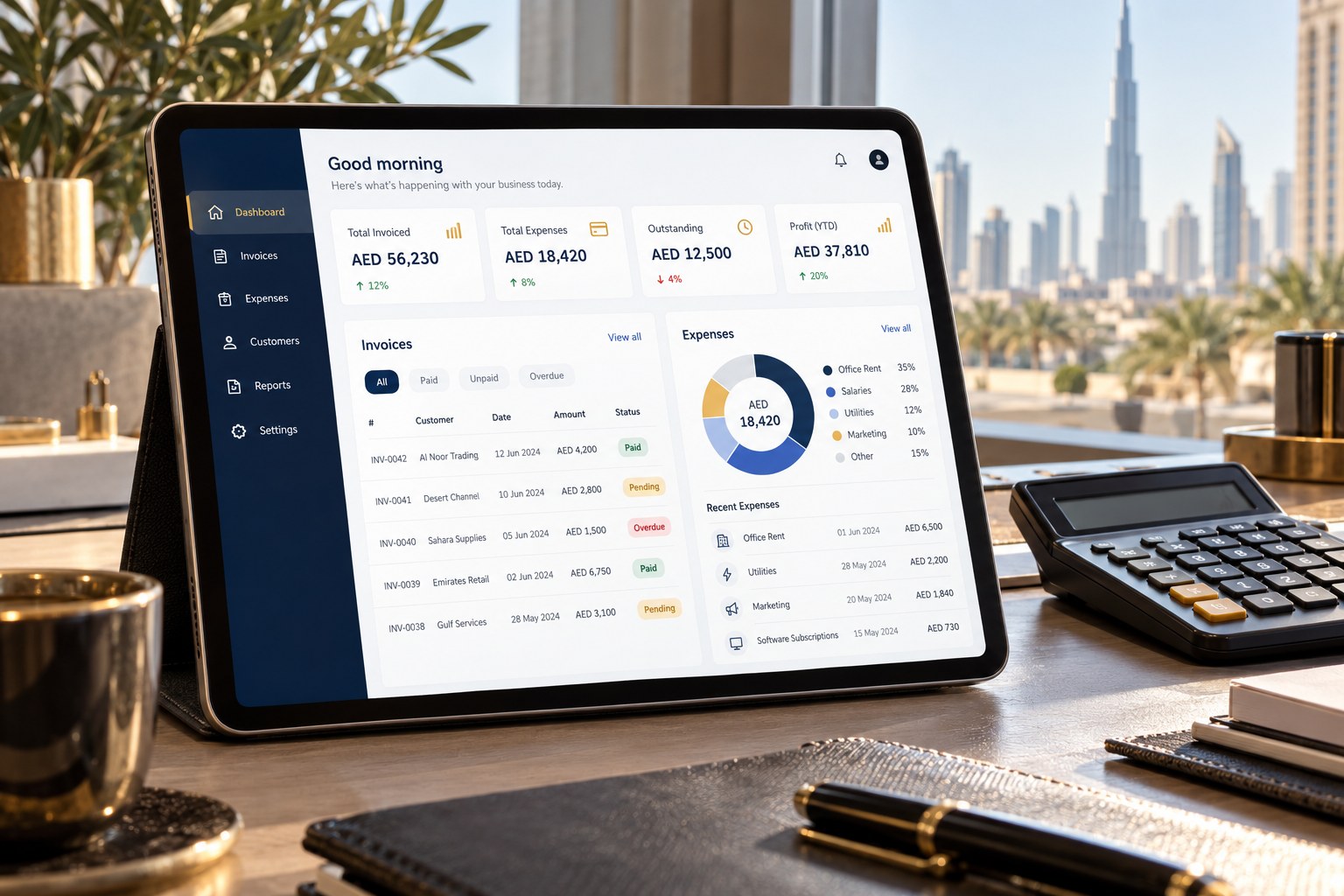
Accounting & Invoicing App
Track billing, payments and business expenses with reports suited to your workflow.
- Invoices, quotations, receipts and credit-note workflows
- Expense entries, supplier bills and payment tracking
- Configurable VAT fields and accountant-ready exports
- Receivables, payables and profit summaries based on entered records
BUSINESS APPLICATION
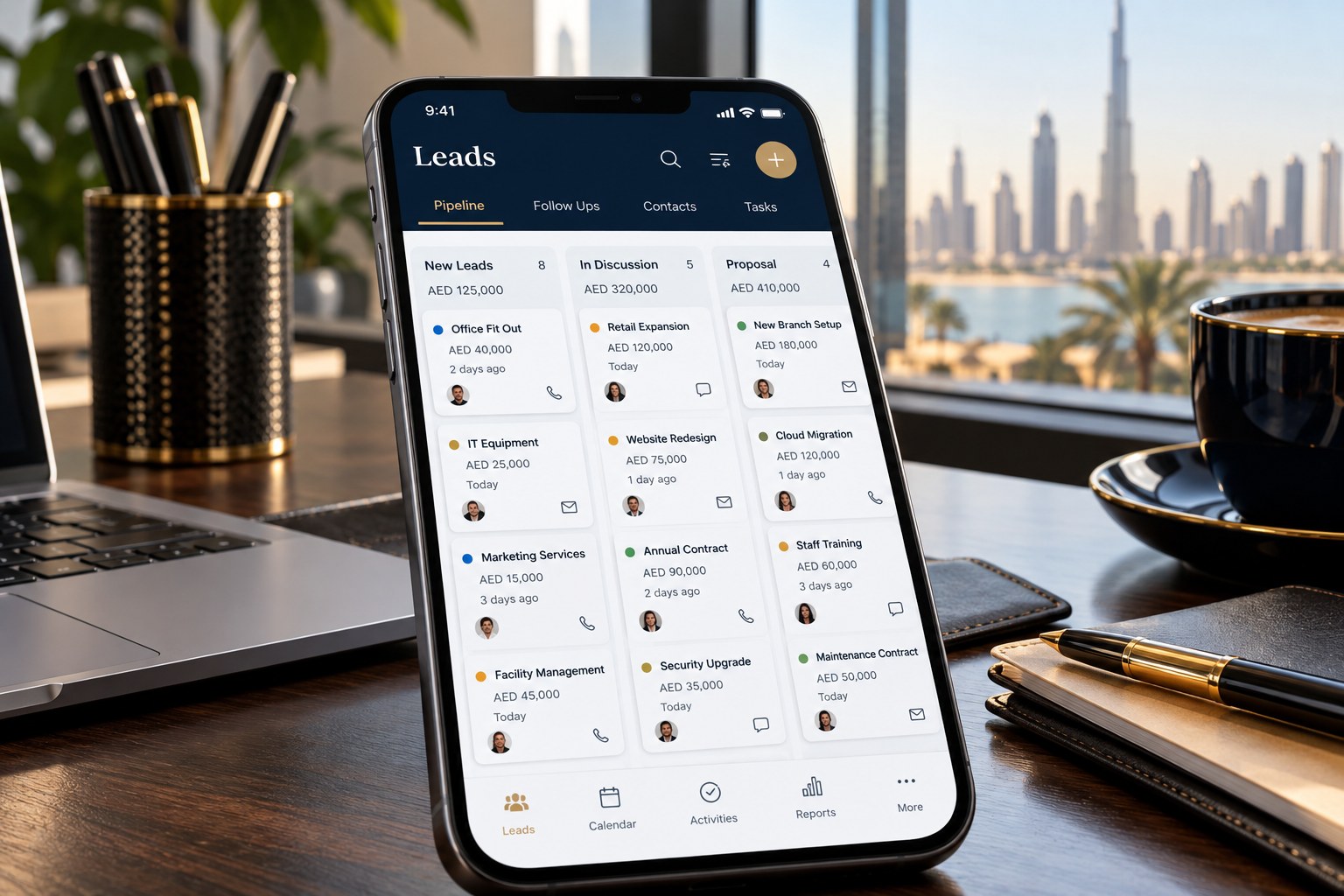
Lead Management App
Manage enquiries, ownership and next actions so opportunities stay visible.
- Manual entry, spreadsheet import and enquiry forms
- Lead source, status, priority and staff assignment
- Follow-up calendar and conversion reporting
- Social lead connections where platform permissions and APIs allow
BUSINESS APPLICATION
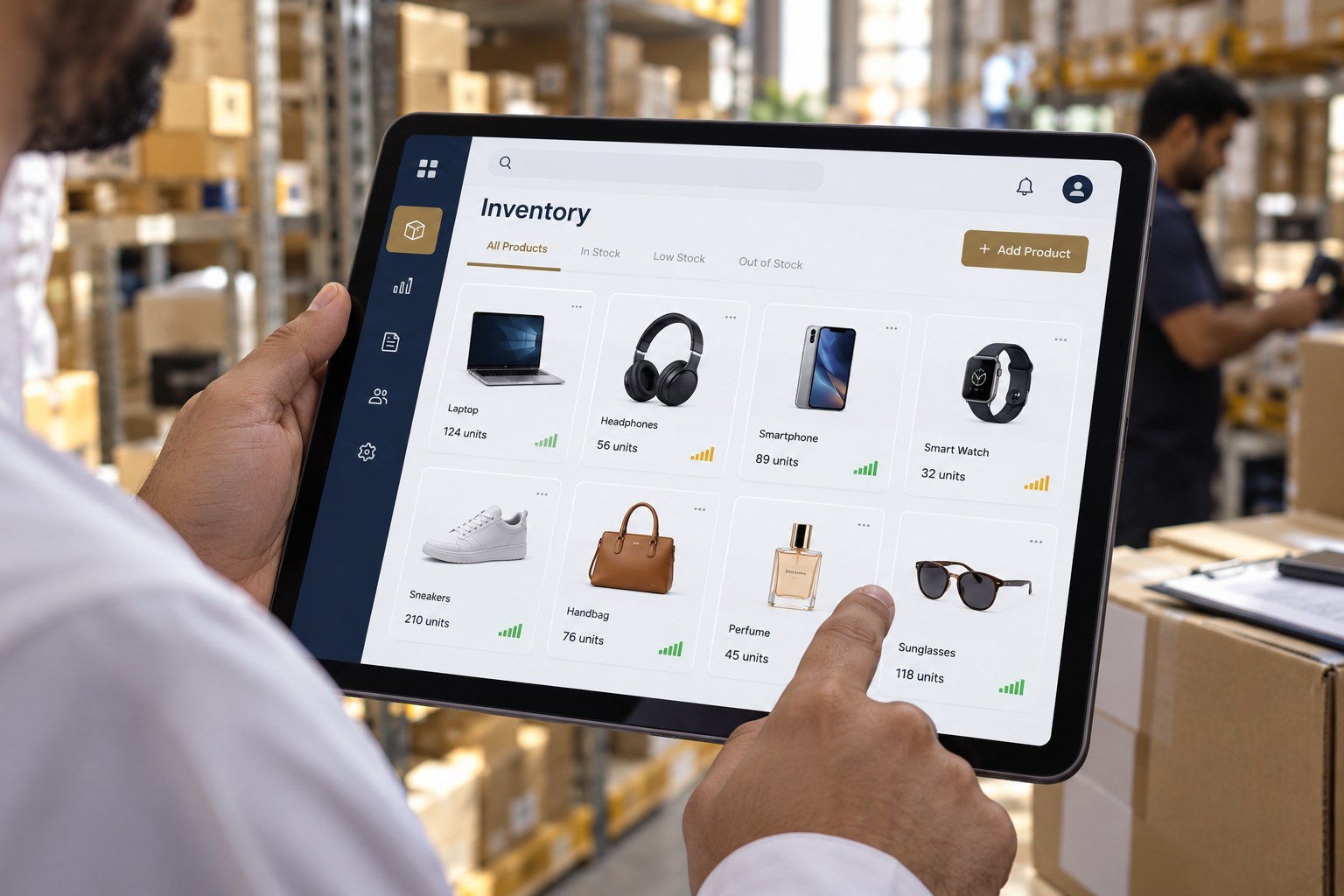
Inventory & Purchase App
Plan stock movement and purchasing across your products and locations.
- Item variants, units and barcode records
- Purchase orders and goods-received entries
- Stock adjustments, branch transfers and reorder alerts
- Supplier history and stock valuation requirements
BUSINESS APPLICATION
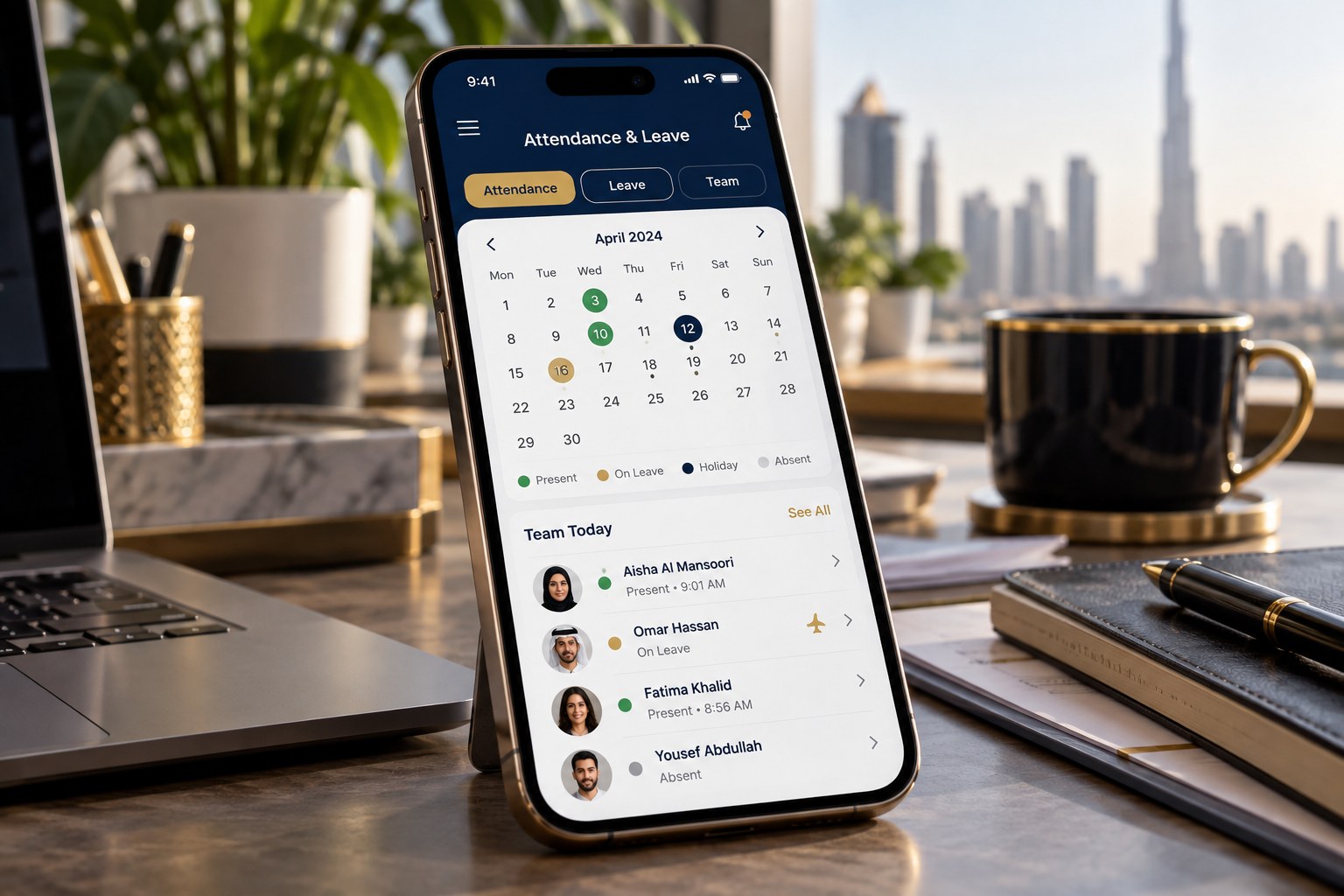
HR & Staff Management App
Organise staff records, attendance and routine requests with role-based access.
- Employee profiles and document-expiry reminders
- Attendance, leave requests and shift planning
- Commission rules and payroll input reports
- Manager approvals and staff self-service requirements
BUSINESS APPLICATION
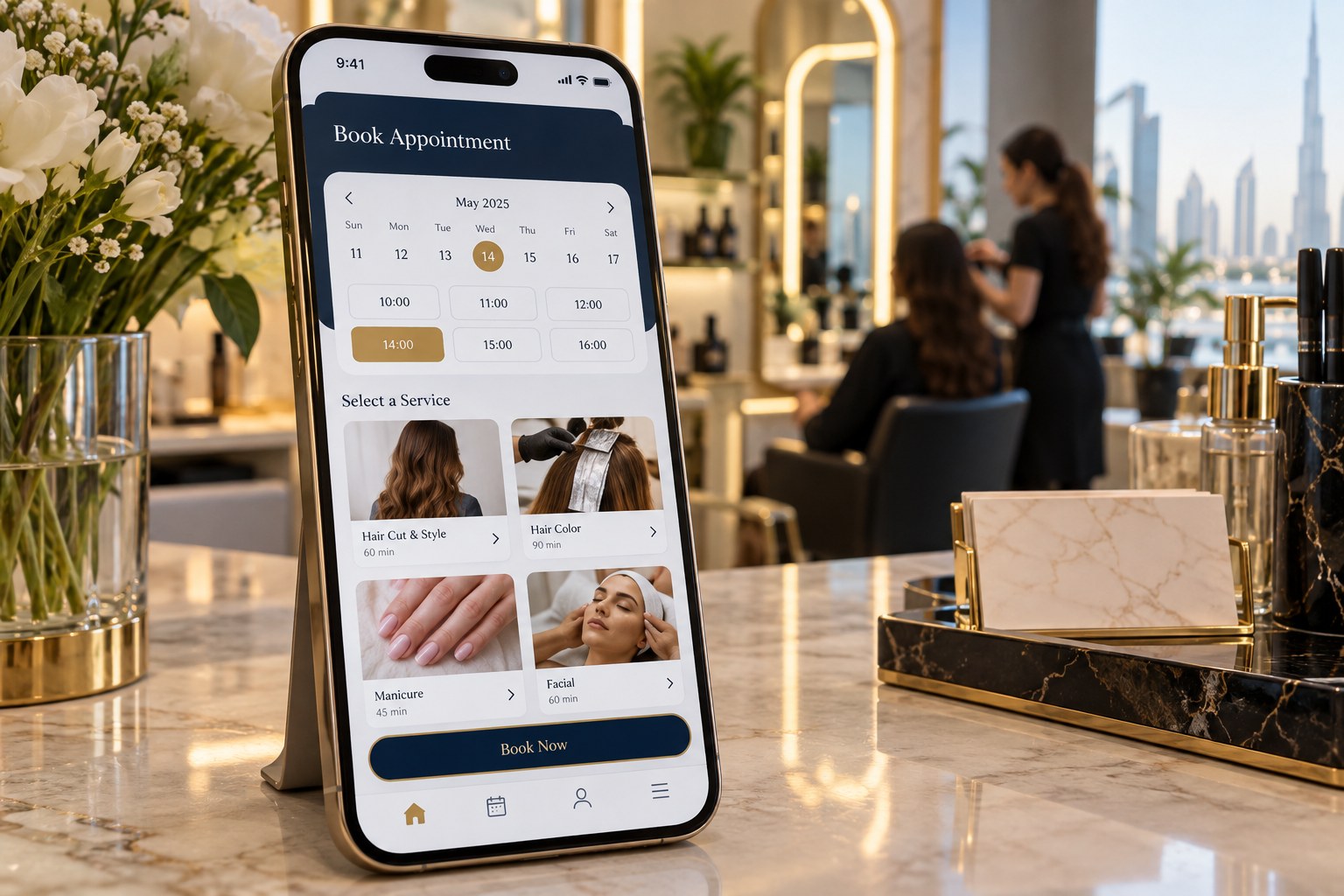
Booking & Service App
Plan appointments and service visits for salons, maintenance teams and consultants.
- Appointment calendar and service catalogue
- Staff availability and resource allocation
- Job status, deposits and invoice records
- Customer reminders through agreed communication channels
A CONNECTED OFFICE
CRM, lead management & accounting
Plan one connected workflow: capture an enquiry, assign an executive, prepare a quotation, issue an invoice and track payment. Link the modules your team needs with clear staff permissions.
Discuss owner and staff dashboards, document attachments, activity history, Excel import/export and customer portals. Accounting reports depend on complete records and agreed accounting rules.
HARDWARE + SOFTWARE + PAYMENTS
POS machines & payment systems
Choose the billing software and payment setup that fit your counter. We can review your requirements for a basic counter setup, portable terminal or a more integrated POS workflow.
Build your counter setup
- Countertop POS: a fixed checkout payment terminal.
- Portable smart POS: a mobile payment device for flexible service.
- SoftPOS: contactless acceptance on a provider-supported phone.
- Billing workstation: touchscreen or laptop, receipt printer, barcode scanner and cash drawer as required.
- Integrated checkout: assess whether your billing app can exchange payment requests and results with the selected provider.
Payment providers to explore
Network International
N-Genius POS devices, SoftPOS and online payment solutions.
Official provider website ↗Magnati
Merchant payment solutions for in-person and online acceptance.
Official provider website ↗Arab Financial Services (AFS)
Smart POS terminals and digital payment solutions.
Official provider website ↗Provider names are shown for comparison, not as a claim of BUC partnership or authorised reseller status. Merchant approval, charges, settlement, hardware availability and integration access are confirmed by the selected provider. Recording a card sale in a billing app does not itself process a card payment.
Explore POS Solutions →YOUR BUSINESS ONLINE
Websites that turn interest into enquiries
Business & service websites
- Company profile, team and service detail pages
- Mobile-friendly layouts and approved brand content
- Enquiry forms, WhatsApp links and contact information
- English and Bangla content options
Online stores & customer portals
- Product catalogue, ordering and checkout requirements
- Bookings, customer logins and order tracking
- Payment gateway integration assessment
- Domain, hosting, maintenance and handover planning
FROM IDEA TO EVERYDAY USE
A clear plan before development
- 1. Discover & scope
Tell us your business, users, devices and required features. Agree scope, costs and responsibilities.
- 2. Design & demonstrate
Review screen layouts and a working demonstration of the agreed workflow.
- 3. Test & hand over
Check permissions, sample records, devices and reports; agree training, backup and support arrangements.
Web, Android and iOS requirements are scoped separately. Hosting, third-party subscriptions, hardware, messaging fees and app-store submissions are itemised where applicable. Store publication is subject to the platform's review.
Tell us what your business needs
Share your business type, staff count, branches, sample invoices and preferred devices. We will help define an appropriate application and quotation.
Request an app consultation ↗